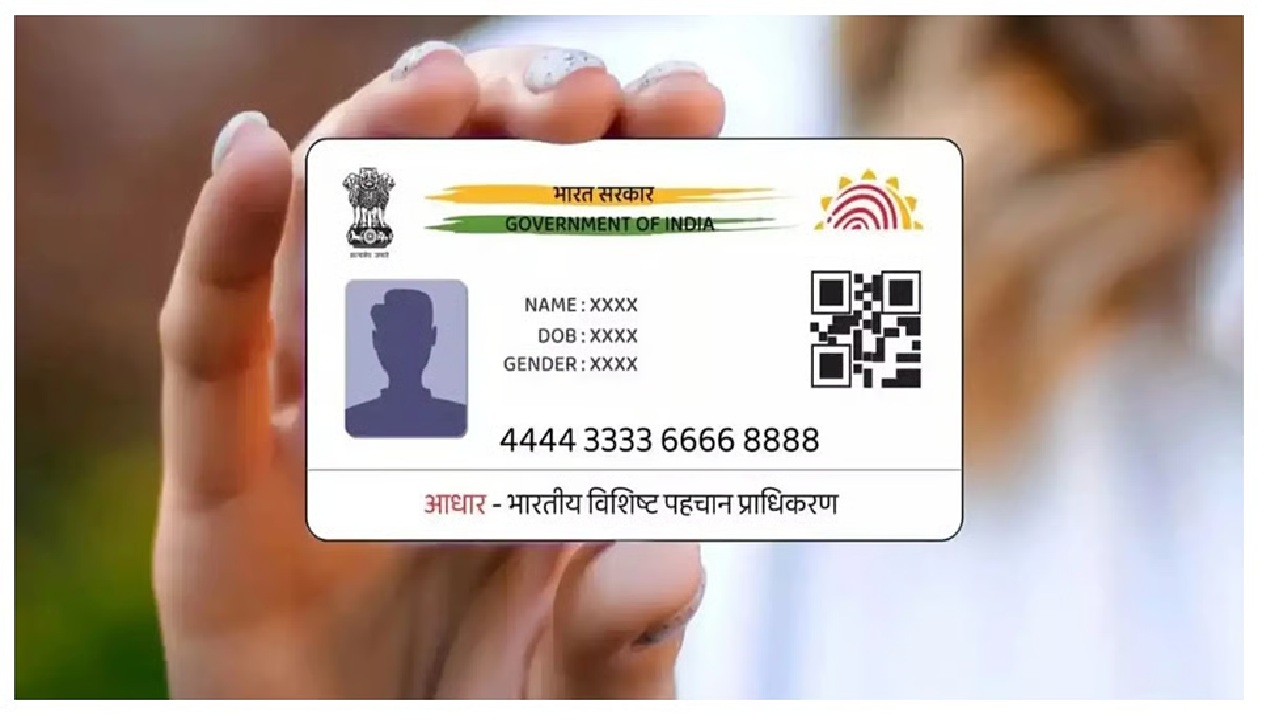
New Delhi: UIDAI (Unique Identification Authority of India) ने Aadhaar से जुड़े Mobile Number को Update करने की प्रक्रिया को और सरल बना दिया है। अब Users सीधे Aadhaar App का इस्तेमाल करके अपना Mobile Number Update कर सकते हैं, जिसके लिए उन्हें Enrollment Center जाने की ज़रूरत नहीं पड़ती।
UIDAI के अनुसार, Users को सबसे पहले Google Play Store से दो Official Apps Install करने होंगे — Aadhaar App और Aadhaar Face RD App। Aadhaar App से Users अपने Aadhaar Details Manage कर सकते हैं, जबकि Face RD App Identity Verification यानी Face Authentication के लिए ज़रूरी है।
दोनों Apps Install करने के बाद, User को Aadhaar App खोलकर Aadhaar Number और OTP की मदद से Login करना होगा। Login पूरा होने के बाद User को Update Aadhaar Section में जाना है और वहाँ से Mobile Number Update Option चुनना है।
इसके बाद User को Aadhaar Face RD App के ज़रिए Face Authentication पूरा करना होगा। Authentication Successful होने पर User अपना नया Mobile Number Enter करके Confirm कर सकता है। Request Submit करने के बाद Process UIDAI द्वारा Verify की जाती है और Update होने पर Confirmation मिल जाता है।
Authorities का कहना है कि यह नई सुविधा Users के लिए बड़ी राहत है, क्योंकि इससे Waiting Time कम होता है और Process पूरी तरह Digital और Convenient बन जाती है।
UIDAI ने Citizens से अपील की है कि वे इसके Official Communication Channels, जिनमें WhatsApp Channel भी शामिल है, से जुड़े रहें।
WhatsApp Channel: https://whatsapp.com/channel/0029Va5Ltdg9sBIEsLRgtk1g
How to Update Your Mobile Number in Aadhaar (Step-by-Step Guide)
| Step 1️⃣ – Install the Aadhaar App Download and install the official Aadhaar App from Google Play Store. 🔗 https://play.google.com/store/apps/details?id=in.gov.uidai.pehchaan |
| Step 2️⃣ – Install the Aadhaar Face RD App This app is required for Face Authentication during the update. 🔗 https://play.google.com/store/apps/details?id=in.gov.uidai.facerd |
| Step 3️⃣ – Log in to the Aadhaar App Open the Aadhaar App → Enter your Aadhaar number → Verify using OTP. |
| Step 4️⃣ – Open the Update Aadhaar Section Inside the app, go to Update Aadhaar. |
| Step 5️⃣ – Select Mobile Number Update Choose Mobile Number Update from the available options. |
| Step 6️⃣ – Complete Face Authentication Use the Aadhaar Face RD App to verify your identity. |
| Step 7️⃣ – Enter Your New Mobile Number Type your new mobile number and confirm |
| Step 8️⃣ – Submit the Request Submit the update request and wait for confirmation. |